
Installation & licensing
Install the application, import the signed license file and verify the selected environment entitlement.
Documentation is part of the commercial product. The launch set is intentionally practical: getting started, environment connection, command dialogs, live figures, sample workflows and troubleshooting.
A concise, task-oriented guide is more useful than a large manual that reproduces every internal implementation detail.
Install the application, import the signed license file and verify the selected environment entitlement.
Configure PPMS / DynaCool communication and the addresses of external instruments.
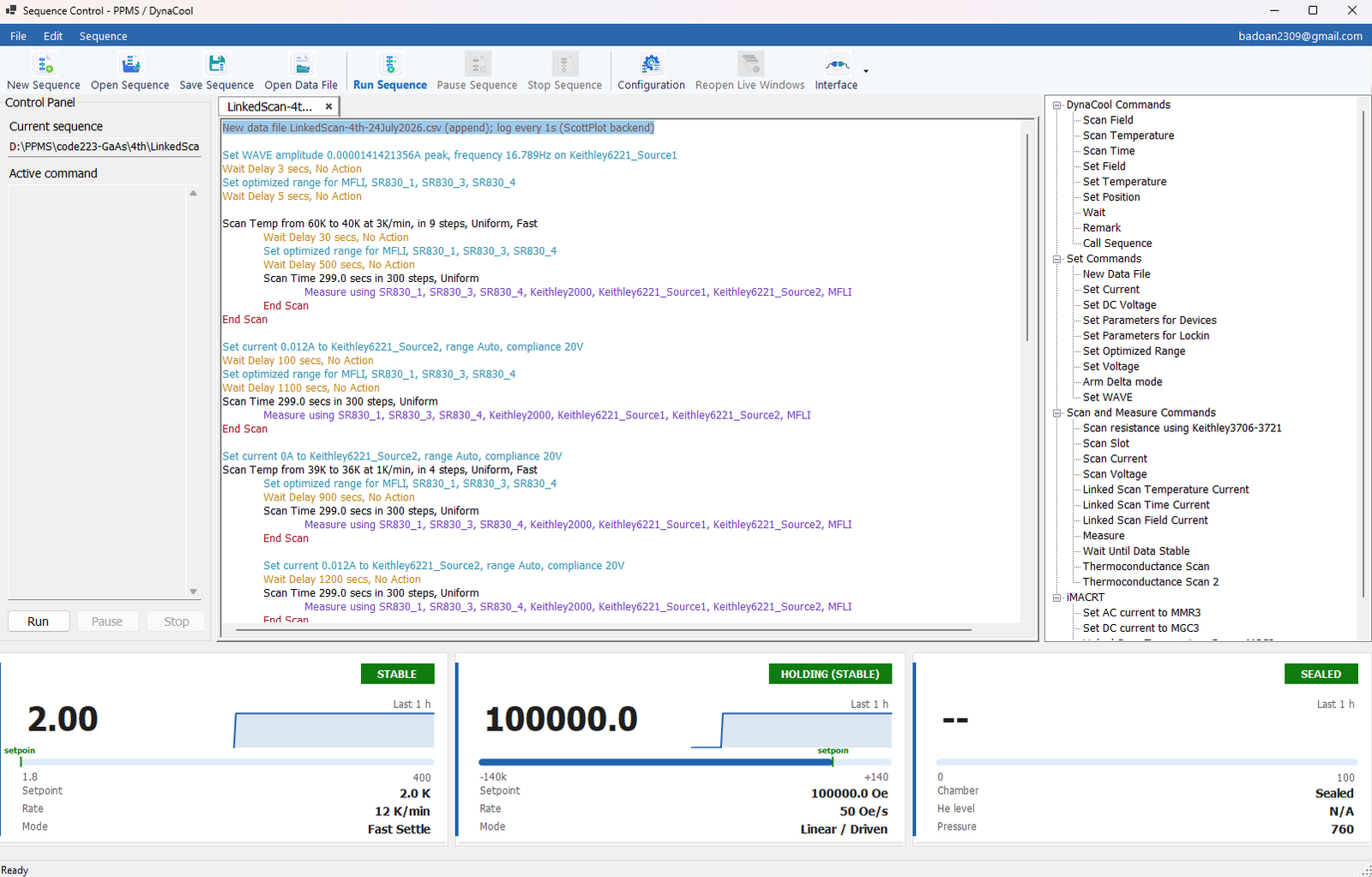
Create, edit, save, reopen, comment and execute experiment sequences.
Understand the parameters and validation shown for set, scan, wait and measurement commands.
Use Instraxis Plot to follow channels, inspect selected ranges and analyze signals. Review the plotting features and benchmark methodology.
Collect diagnostics, distinguish connection problems and follow a safe recovery procedure.
The recommended onboarding path uses a short known-safe sequence and only the devices already approved for the laboratory.
Provide this information before the evaluation so the demonstration can focus on the real laboratory workflow.
Early external laboratories will help turn the current internal knowledge into a stronger public operator guide and compatibility matrix.